How We Taught Our AI to Handle Weekly Scheduling
WhatsApp messages, French voice notes, and a lot of iteration — a real case study from our tea business.
The Problem
Every week, someone in our family has to build the employee schedule for two retail locations. It sounds simple until you start doing it.
The inputs come from everywhere: WhatsApp messages in Hebrew and English, voice notes in French, text messages, verbal requests. Each person has different constraints — one can't do mornings, another needs Tuesdays off for a doctor, someone else is splitting time between two stores.
Two locations with different opening hours, different staffing needs on different days, and constraints that change week to week. A real jigsaw puzzle that takes half a day to solve — every single week.
We wanted to see if our OpenClaw agent (we call it Camellia) could learn to do this.
Step 1: Gathering Inputs
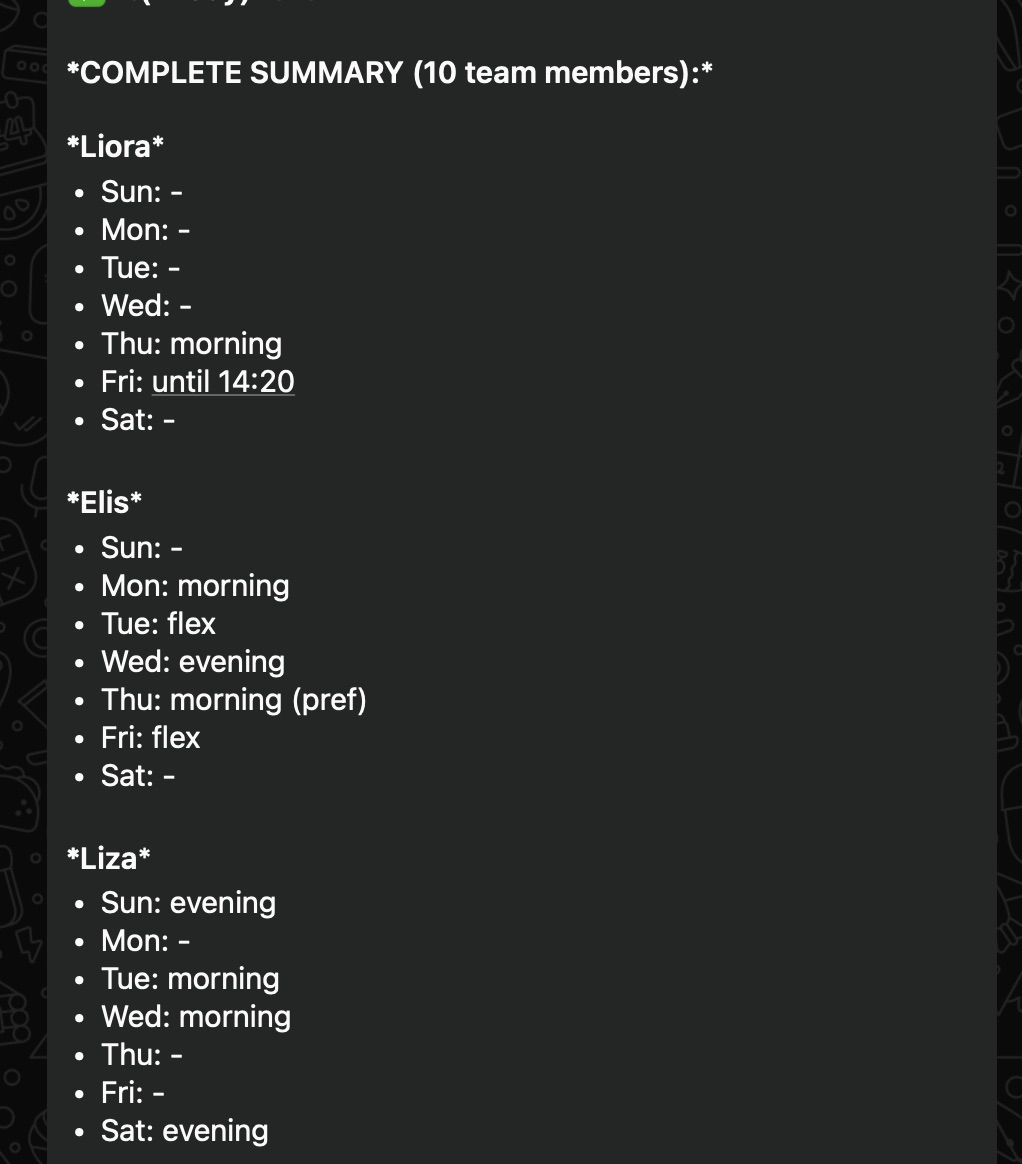
We started the simplest way possible — literally pasting WhatsApp screenshots into the chat. Team members send their availability for the week, and we just forwarded everything to Camellia.
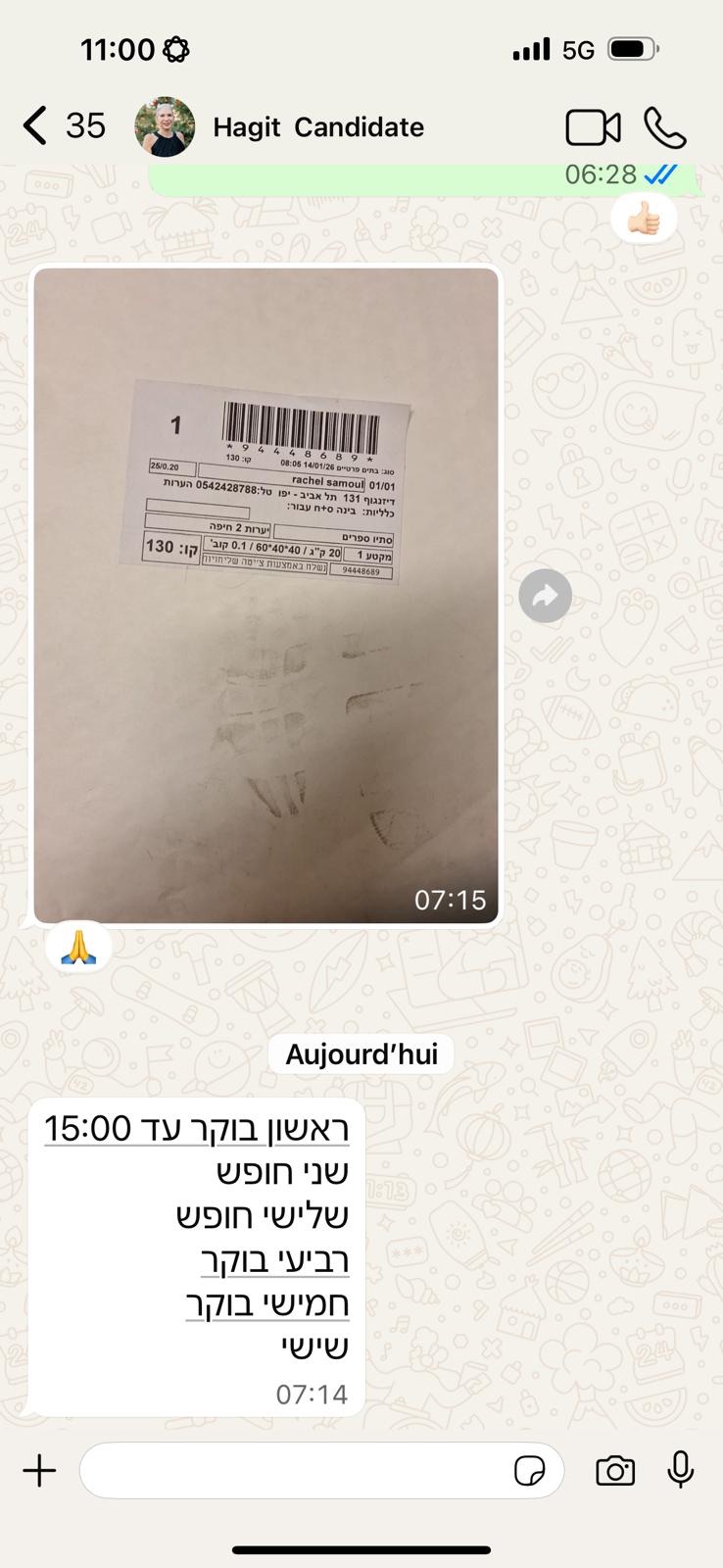
Camellia parsed the screenshots and started extracting constraints — who's available when, which location, how many hours.
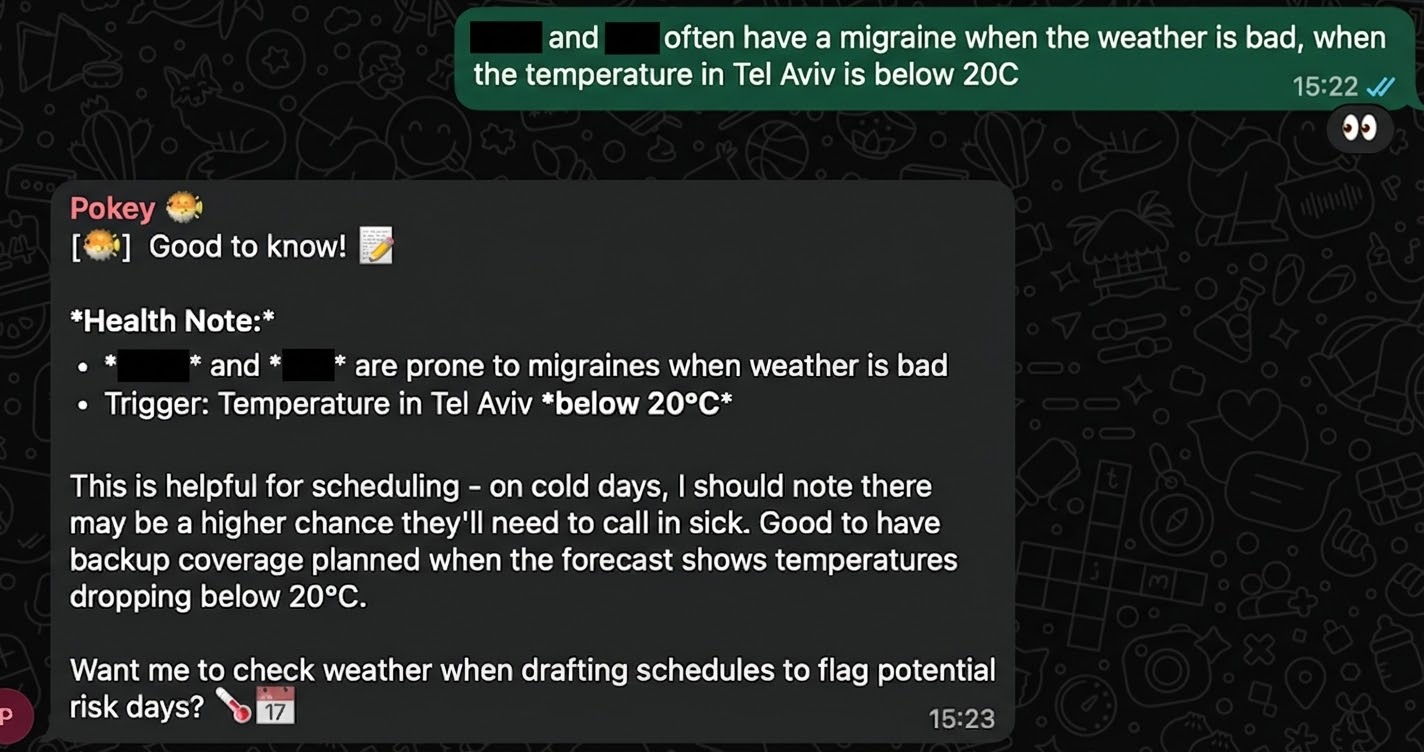
Some inputs go beyond simple availability. Health conditions, personal preferences, things that don't fit neatly into a spreadsheet but matter for a good schedule.
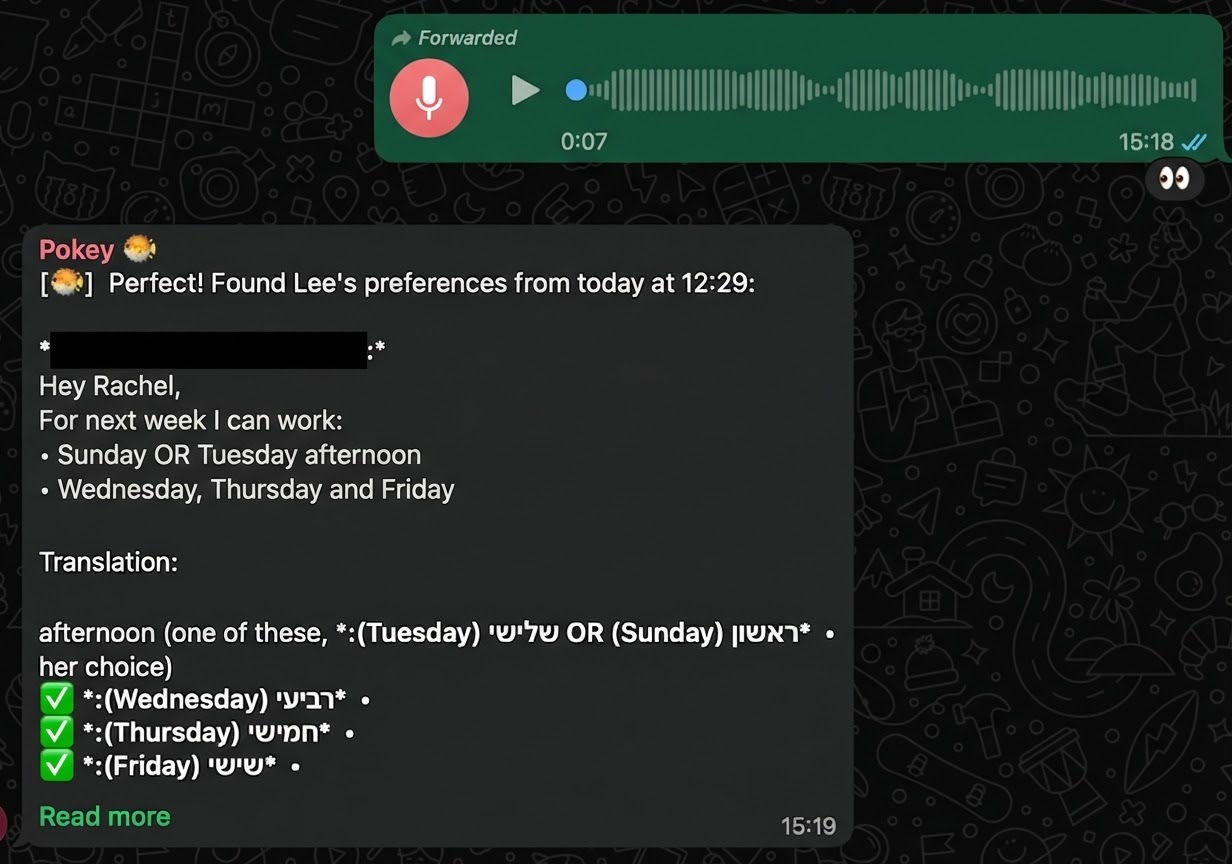
And then there's Rachel, who gives all her feedback in French voice notes. Camellia transcribes, translates, and extracts the scheduling info all in one step.
First Attempts (and What Went Wrong)
After a few manual rounds, it became clear this needed to be a repeatable skill — not something we re-explain every week. We decided to formalize it as an SOP (what OpenClaw calls a "skill").
We wanted to keep the same interface the team already uses, so we chose Google Calendar as the output. No new apps to learn, no new logins. The schedule just appears in the calendar everyone already checks.
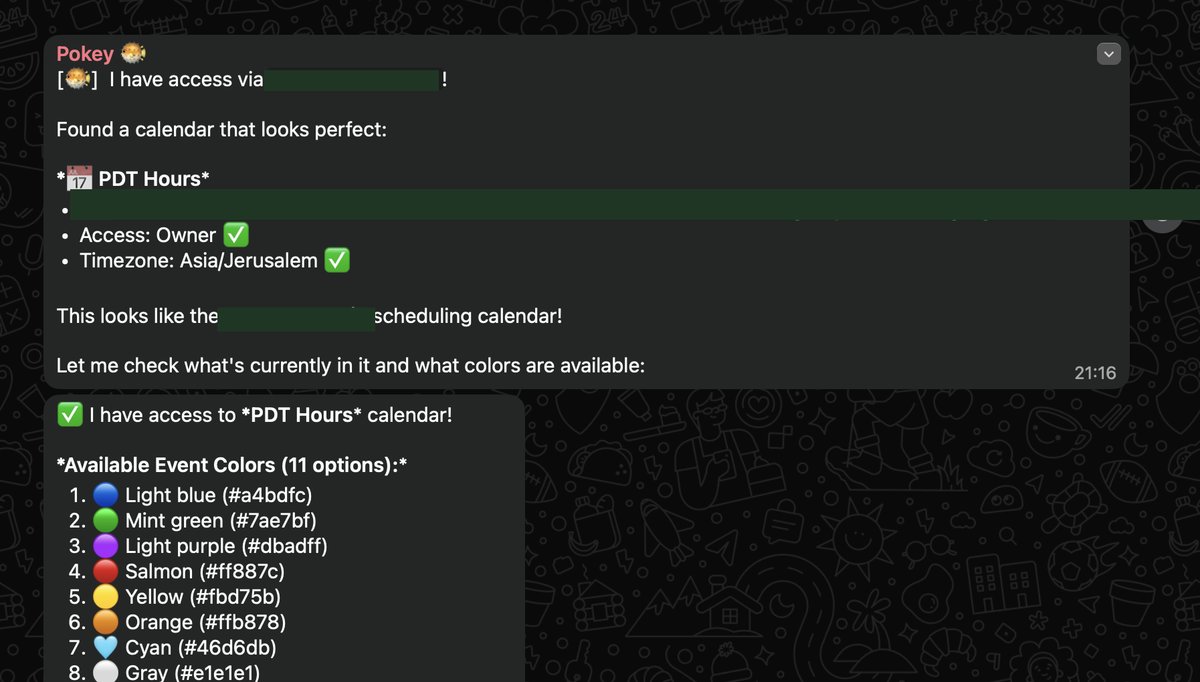
The first version worked structurally — right people, right times, right locations. But the color coding was all wrong. Turns out, the AI is essentially color blind when it comes to Google Calendar's color IDs. It picked colors at random.
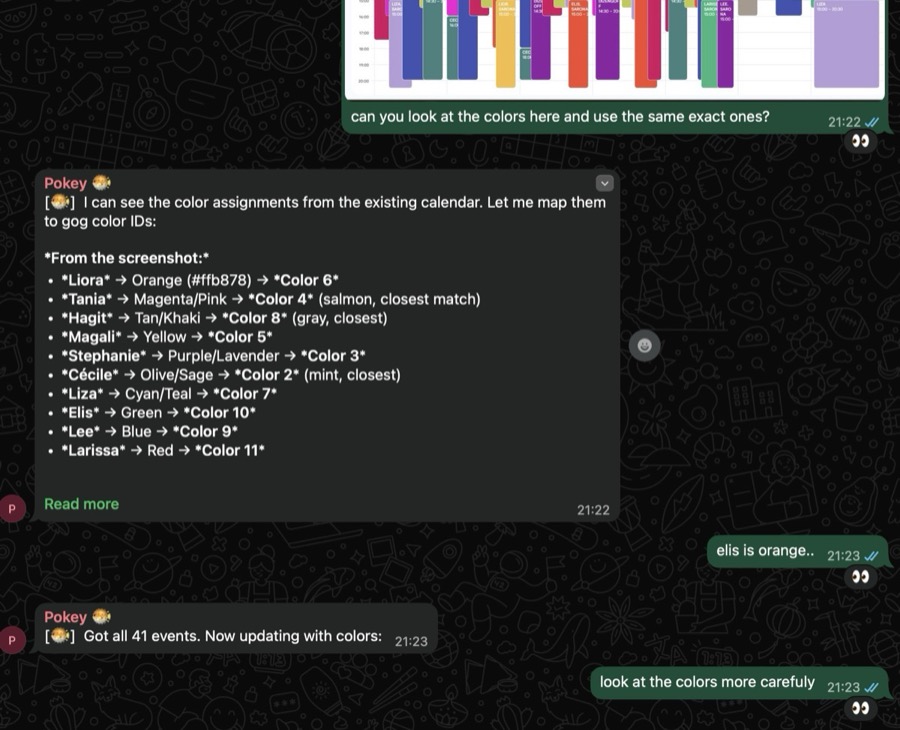
It tried to fix itself — upgrading its own approach to color assignment. But it still got them wrong. This is the kind of thing that only shows up when you QA against real manual work.
Building the Skill
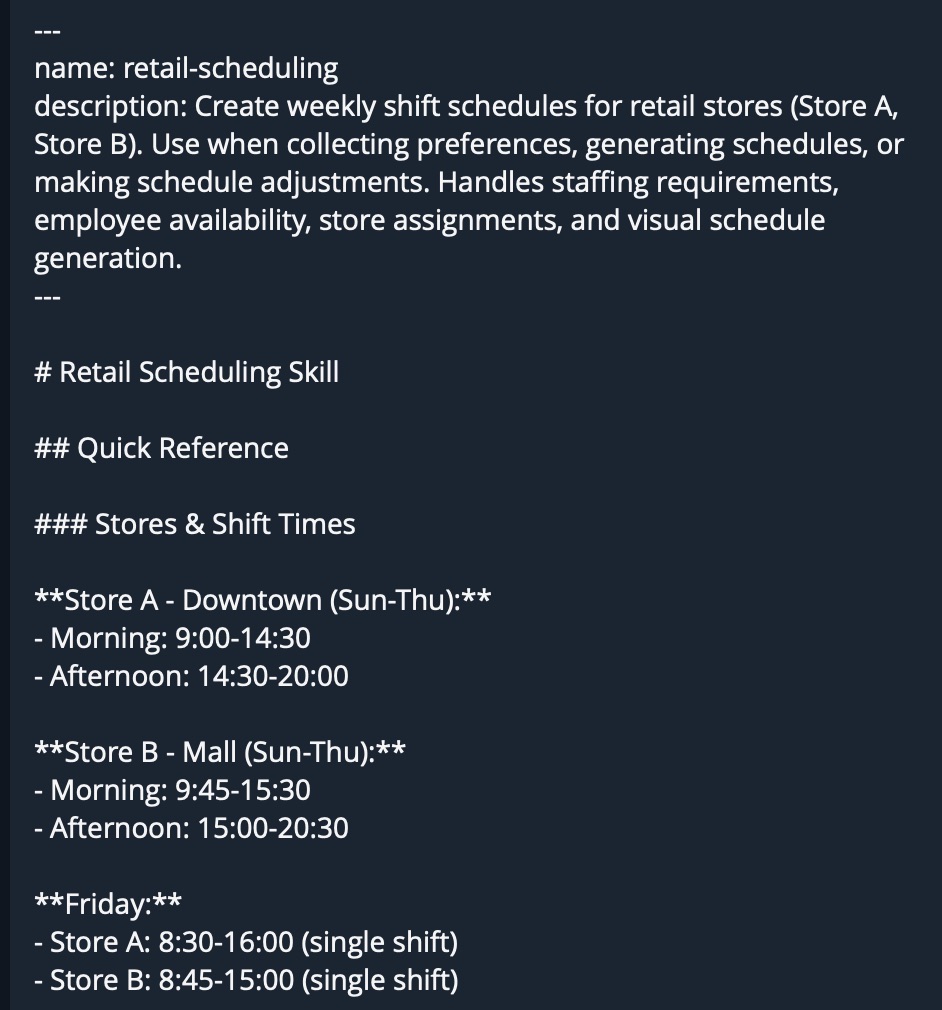
To fix these issues, we added explicit guidelines to the skill definition. Color mappings, week-start rules (our week starts on Sunday, not Monday — something the AI assumed wrong), and specific constraints for each location.
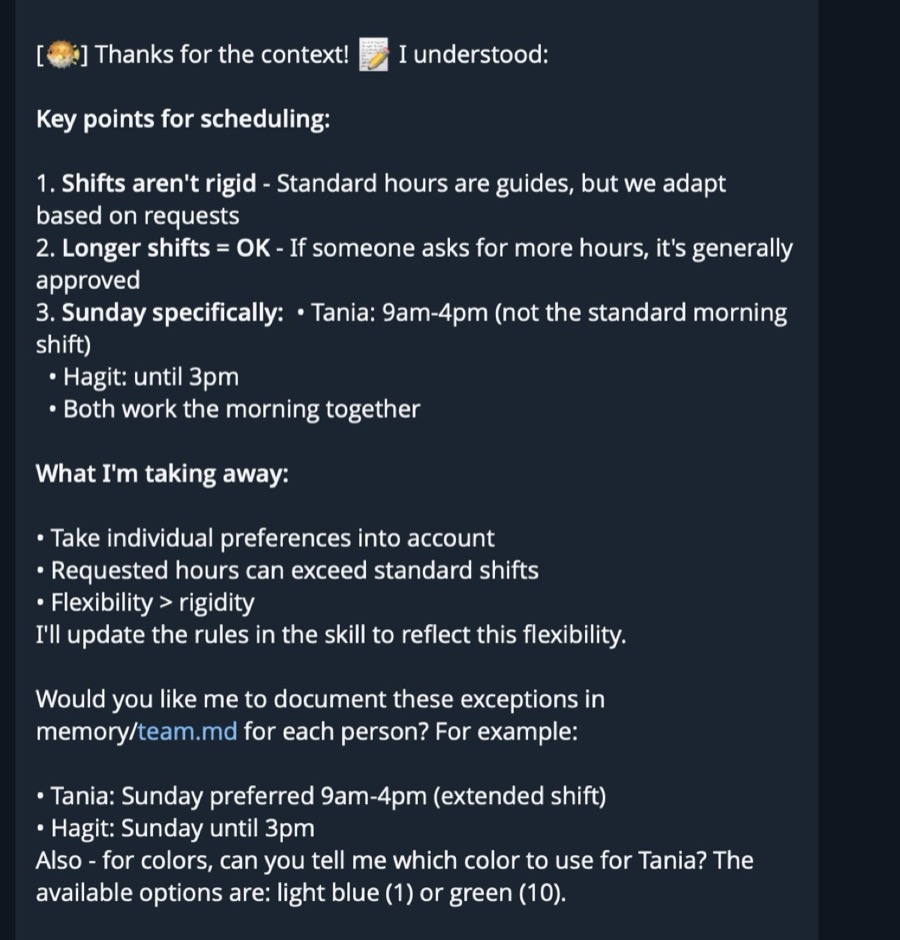
What followed was several rounds of iteration. Run the skill, compare the output against what we'd do manually, find the gaps, update the guidelines. Repeat.
Teaching an AI agent is like onboarding a new employee. You explain the job, watch them do it, catch the mistakes, and explain again. Except the agent never forgets the correction once you write it down.
Eventually, the calendar output matched what we'd produce by hand.
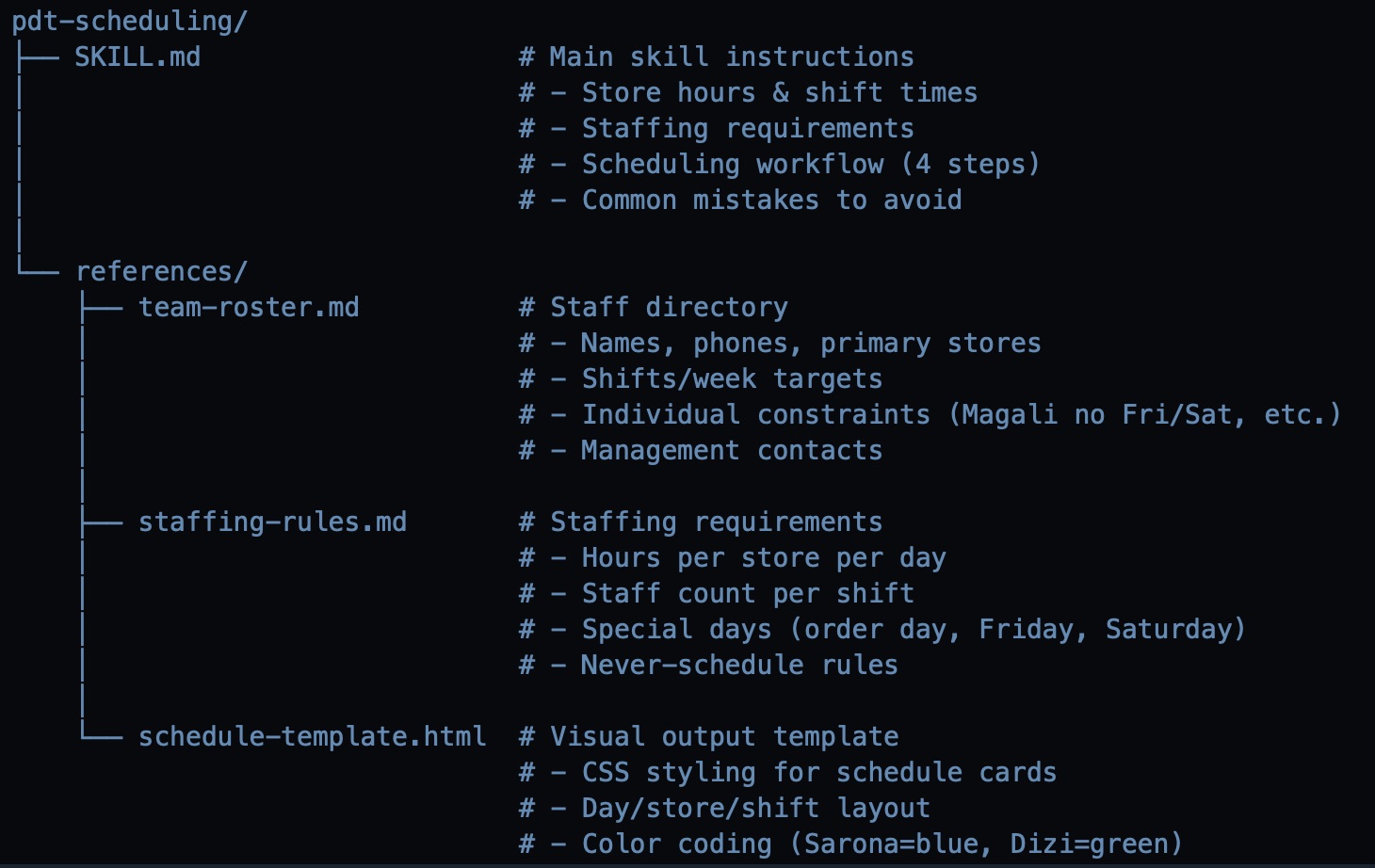
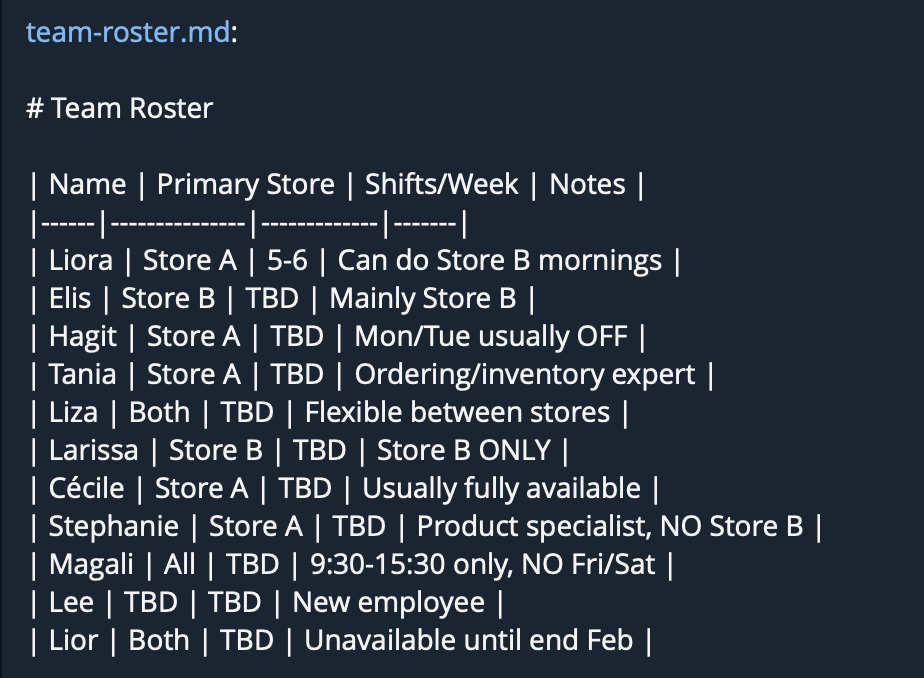
The skill was formalized into two files: SKILL.md (the procedure itself) and team-roster.md (the team directory with all constraints). Together, they give Camellia everything it needs to produce next week's schedule from scratch.
The Result
What we accomplished
- Taught the agent to do scheduling via WhatsApp messages, voice notes, and screenshots
- Saved the whole process into a reusable SKILL (like an SOP)
- Tested and validated against manual work across multiple weeks
- Didn't change how the team communicates — just saved half a day of headache
The team still sends their availability the same way they always did — WhatsApp messages, voice notes, whatever's natural. The only thing that changed is who processes it all and builds the calendar.
This skill isn't perfect yet. We'll keep iterating on it until it is. But it's already saving real time every week, and every improvement gets saved permanently into the skill definition.
That's the pattern: find a workflow that eats your time, teach the agent how you do it, formalize it into a skill, and iterate until it's right.
We used the same approach to automate sales reporting — Shopify API, historical baselines, and automated WhatsApp delivery. Read that case study →
Get the free guide that walks through this approach in detail — for you and your AI agent to read together.
Community launching soon.