How We Taught Our AI to Generate Custom Sales Reports
Shopify API, historical baselines, and automated WhatsApp delivery — from 2 hours of manual work to 5 minutes of review.
The Problem
Every Sunday morning, someone in our family's tea business has to build the weekly sales report for management. It sounds like a simple task until you actually sit down to do it.
The process: pull sales data from Shopify, break it down by channel — two retail stores, Uber Eats, web orders, and B2B restaurant clients. Calculate revenue, ticket counts, and average basket size for each. Then compare everything to the same week last year. Format it nicely. Send it to the management group chat.
Two hours of clicking, exporting, and Excel formulas. Every single week.
We wanted to see if our OpenClaw agent (CamelliaOS) could learn to do this.
Step 1: Understanding the Existing Process
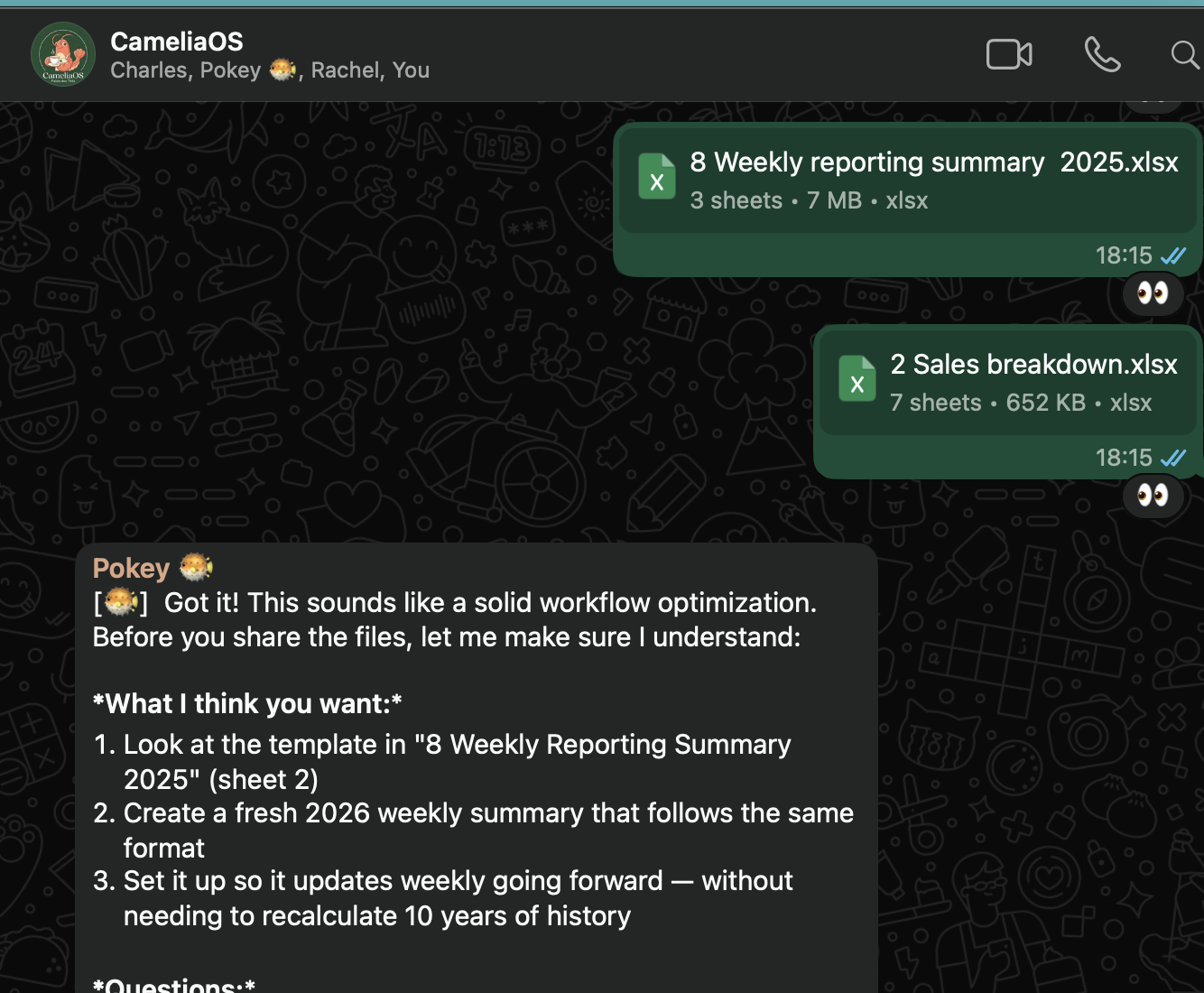
Before automating anything, Camellia needed to understand what the report actually looked like. We walked it through the manual workflow — the Shopify exports, the Excel formulas, the final format that goes to the group chat.
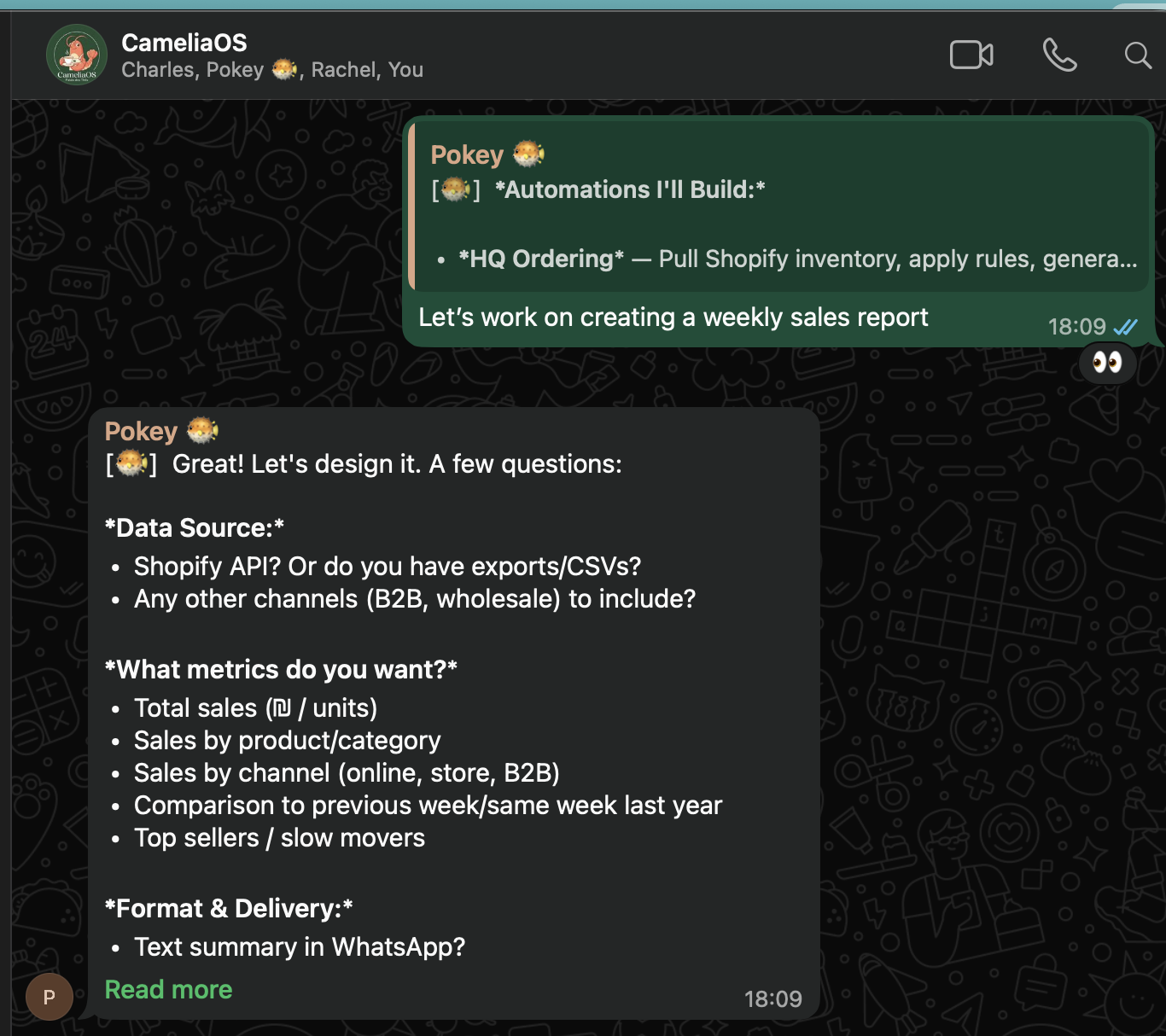
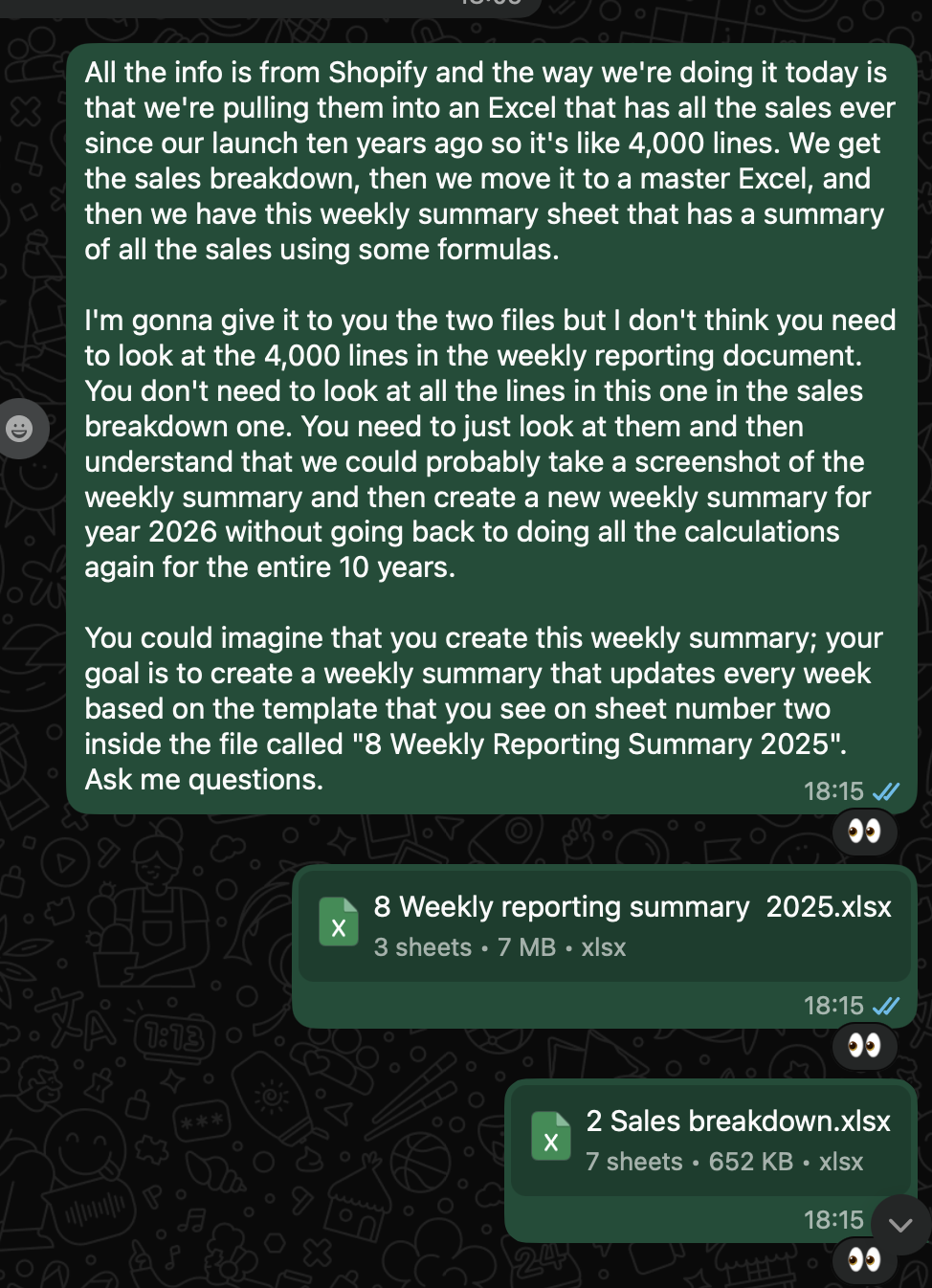
Step 2: API Access — Harder Than Expected
The first real challenge wasn't the report logic — it was getting access to the data. Camellia tried to connect to Shopify's API, but immediately hit a wall.
Shopify had deprecated "Custom Apps" — the approach that most online tutorials still recommend. Every guide was outdated. Camellia had to figure out the new OAuth flow from scratch, navigating Shopify's current documentation rather than relying on old patterns.
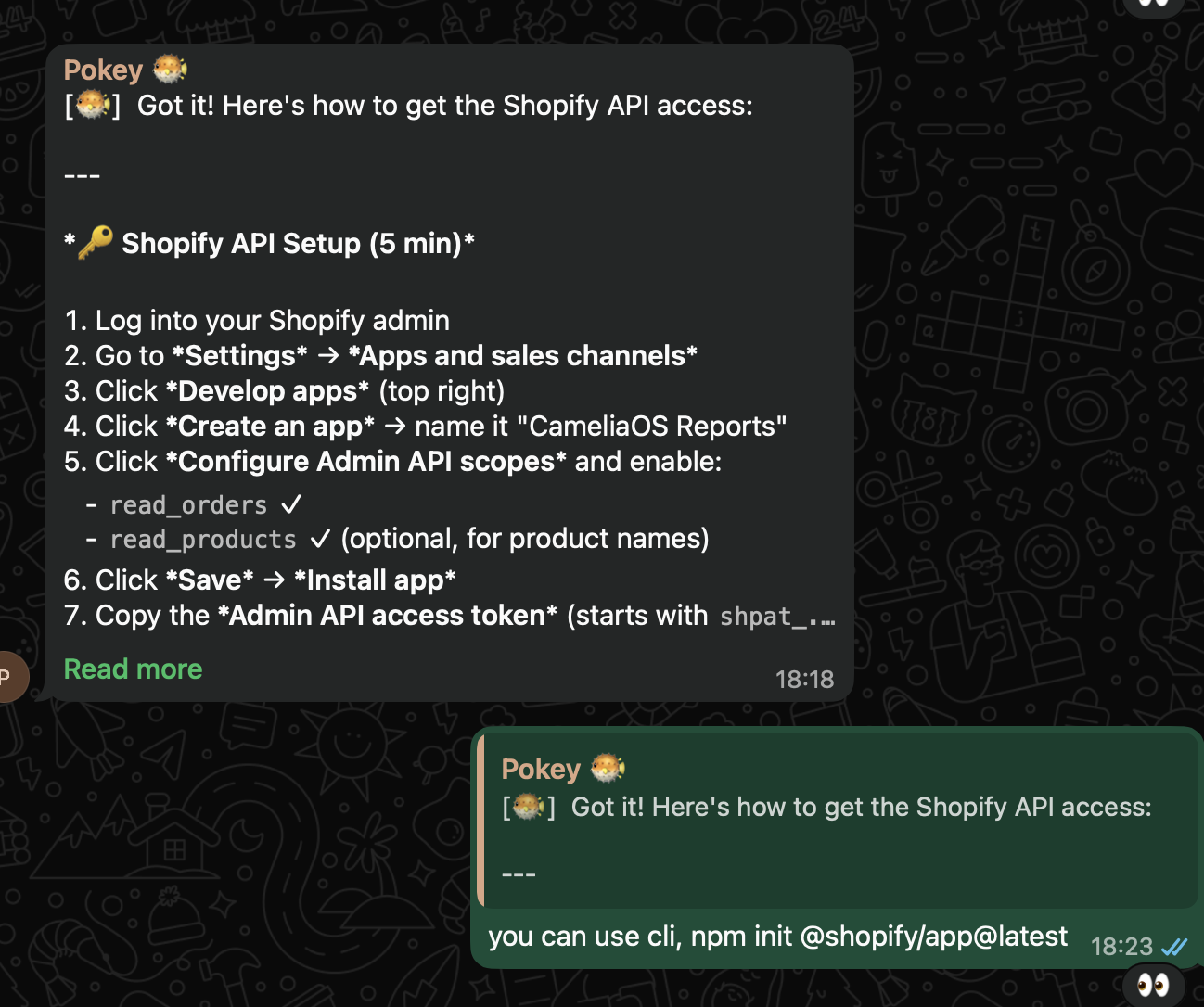
The hard-won knowledge was saved to docs/SHOPIFY-OAUTH.md so we'd never have to figure it out again. This is the pattern: when the agent solves something difficult, document it immediately.
Step 3: Understanding the Data
With API access working, the next challenge was classifying orders correctly. Not all sales are the same — the report needs to break them down by channel.
- POS device IDs identify which store: Dizengoff (devices 11, 12, 13) vs. Sarona (14, 15)
- Wolt orders: customer name contains Hebrew text or tag = "wolt"
- Restaurant/B2B: customer tag = "restaurant"
- Web orders: source = "web"
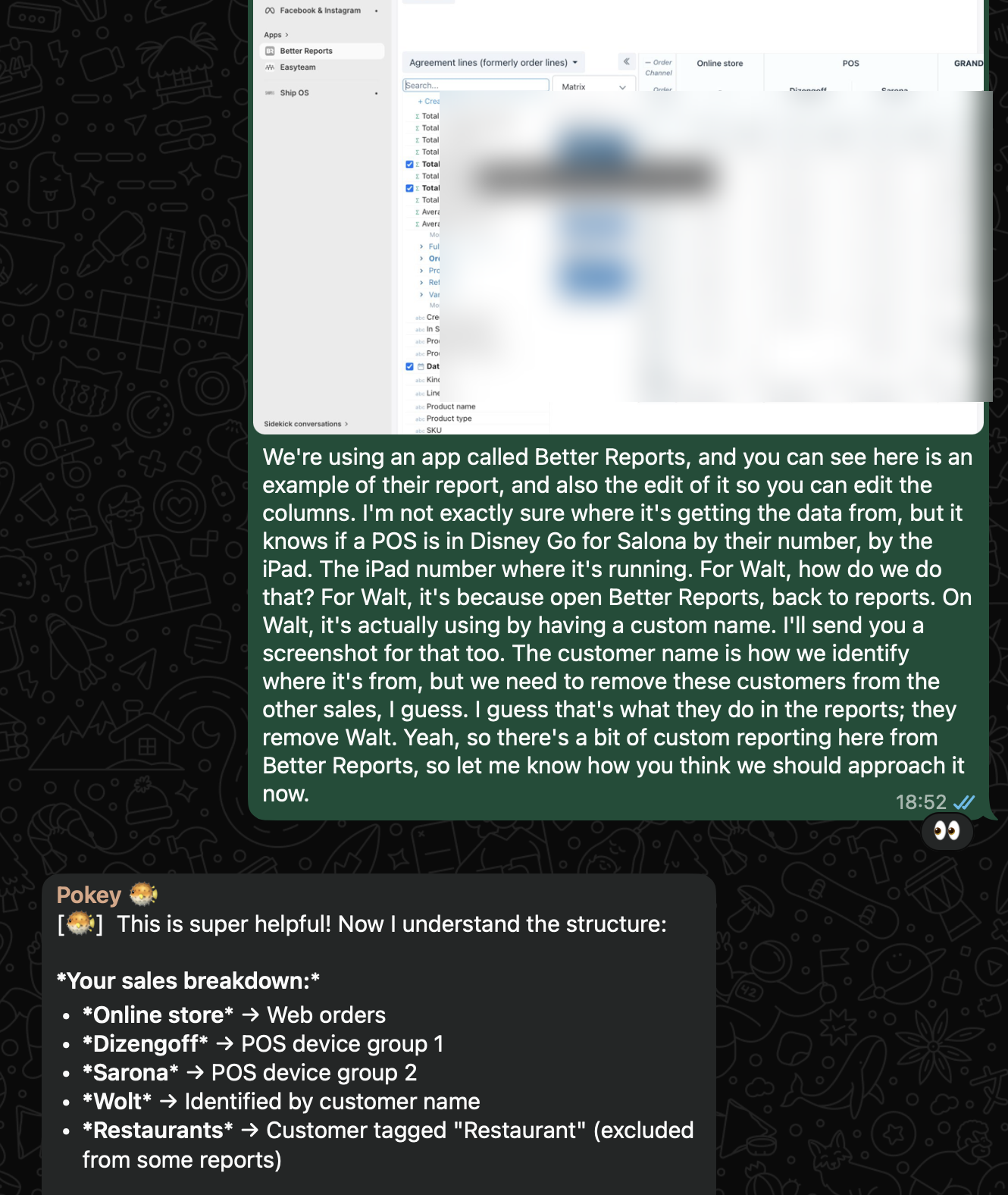
These rules aren't documented anywhere in Shopify. They're tribal knowledge — the kind of thing that lives in one person's head. Teaching them to the agent means they're now explicit and permanent.
Step 4: Historical Baseline
The report doesn't just show this week's numbers. It compares them to the same week last year. That means the agent needs historical data.
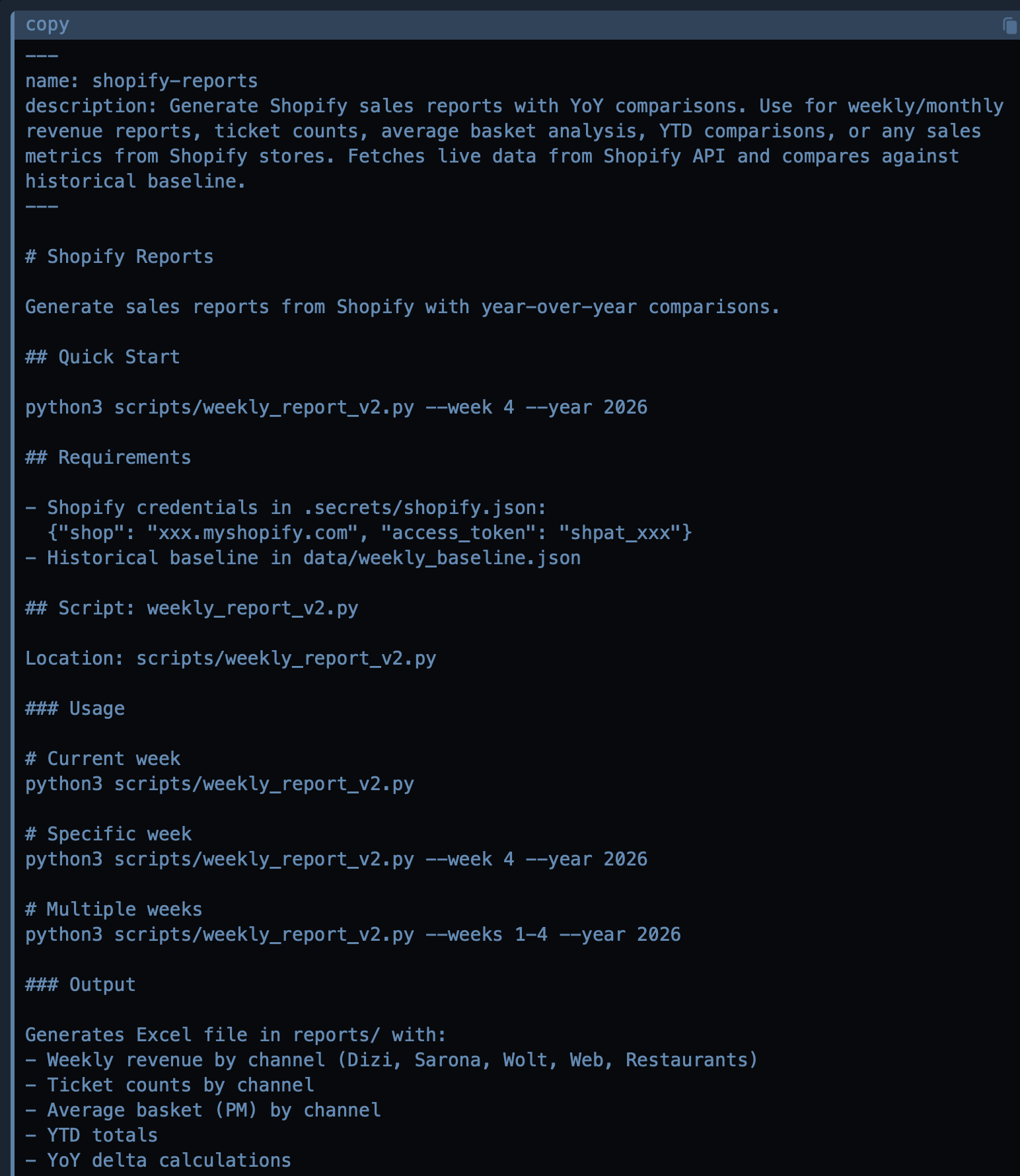
Charles had years of historical data in spreadsheets. We converted these to JSON format — data/weekly_baseline.json — so Camellia could calculate year-over-year deltas automatically.
Step 5: Matching the Exact Format
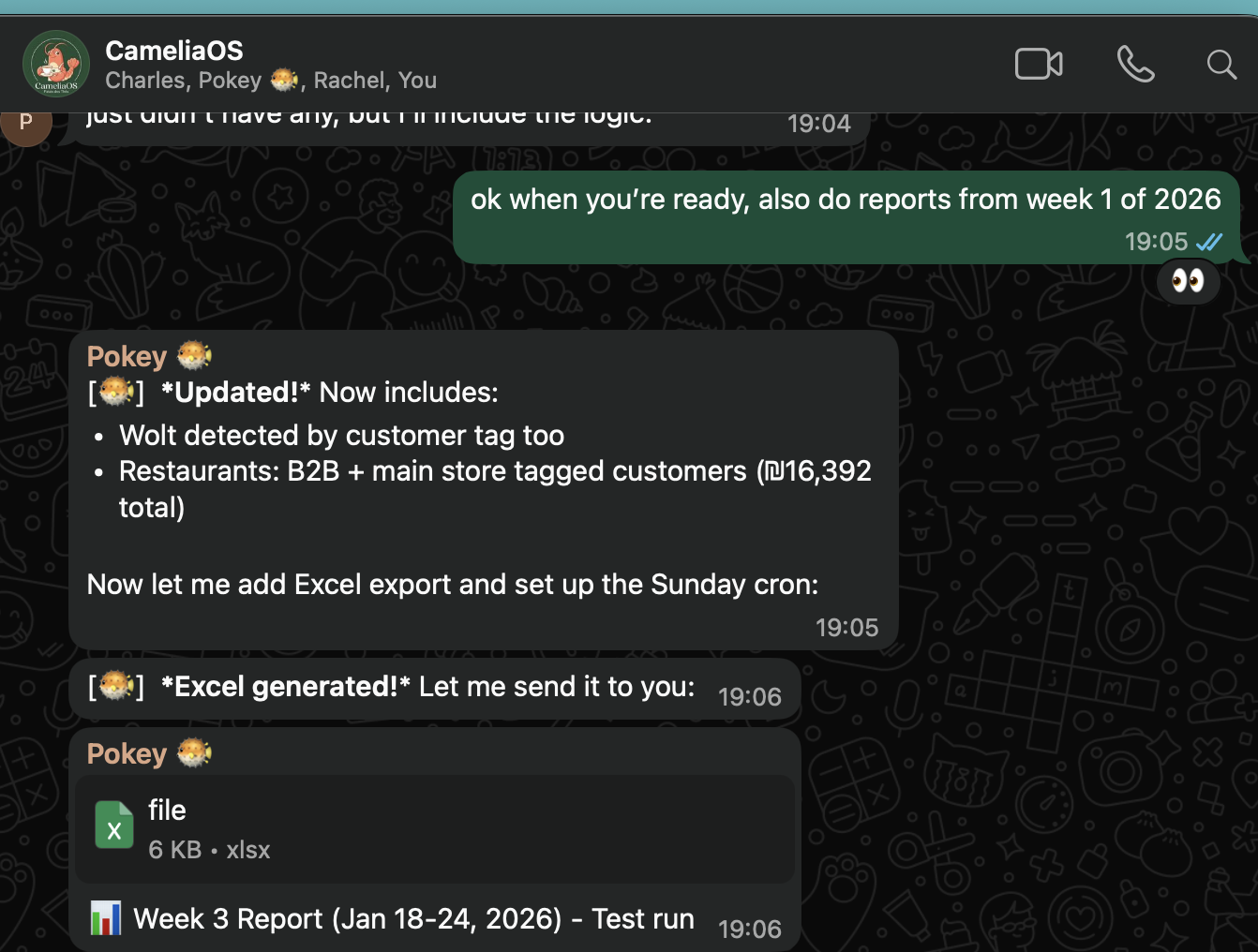
The first report output was close — but "close" isn't good enough when management is used to seeing numbers in a specific format every week.
"This is close but not quite right."
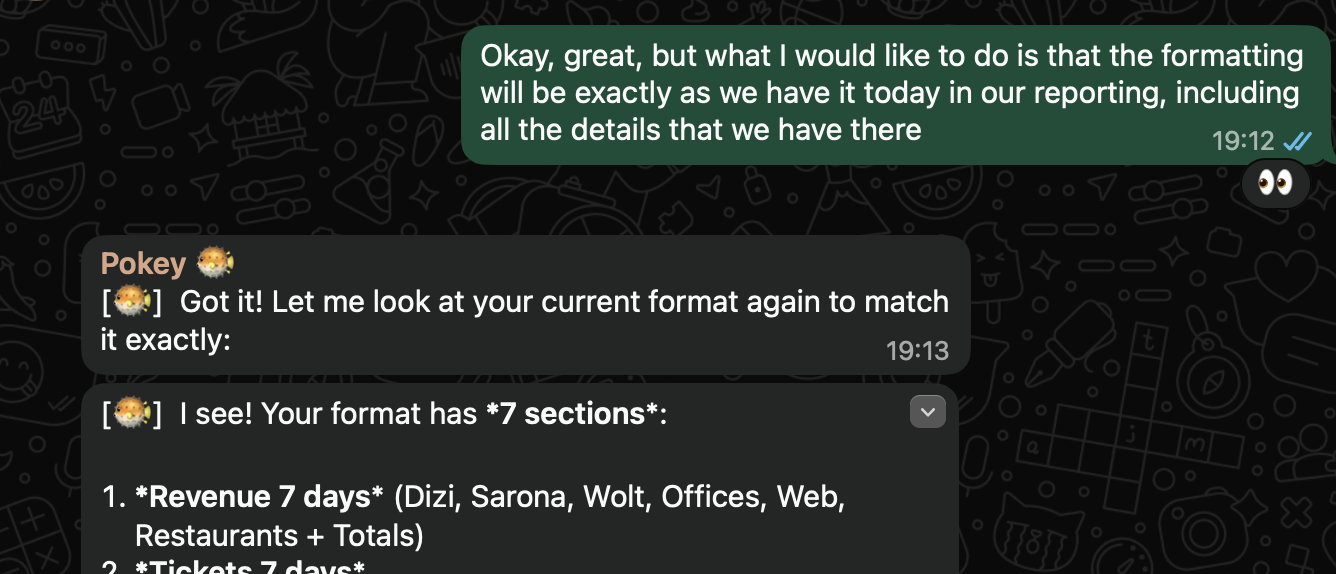
What followed was several rounds of iteration. The agent added ticket counts, then an average basket section, then YTD totals. Each round got closer to matching the existing report format exactly.
Testing and QA
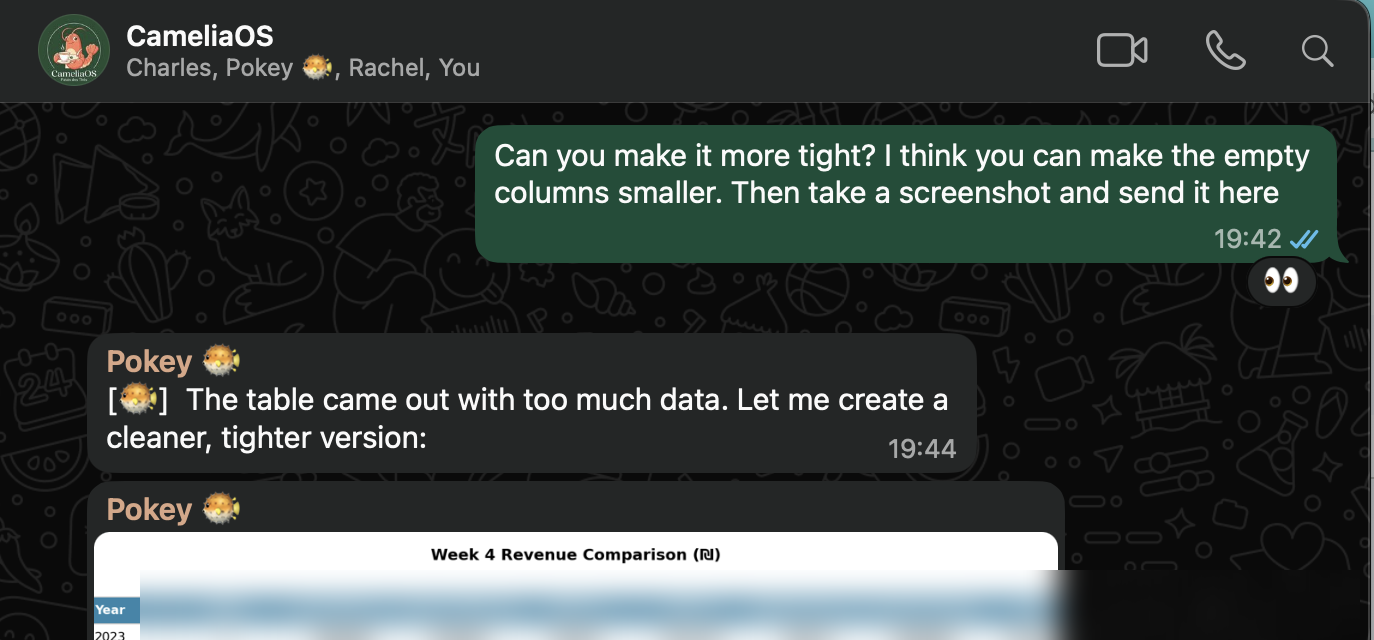
We ran the automated report side-by-side with Charles's manual version. Week 3 — compared and validated. Week 4 — numbers matched. The agent also generated PNG visualizations for quick sharing in the group chat.
"Looks good, but can you add percentage change?"
Each piece of feedback was incorporated and saved permanently into the skill definition. The report gets better over time, and corrections are never lost.
The Surprise: It Built Its Own Tool
Here's where it got interesting. Rather than running the same API calls every time, Camellia built its own reusable tool to fetch and process the Shopify data. Without being asked to.
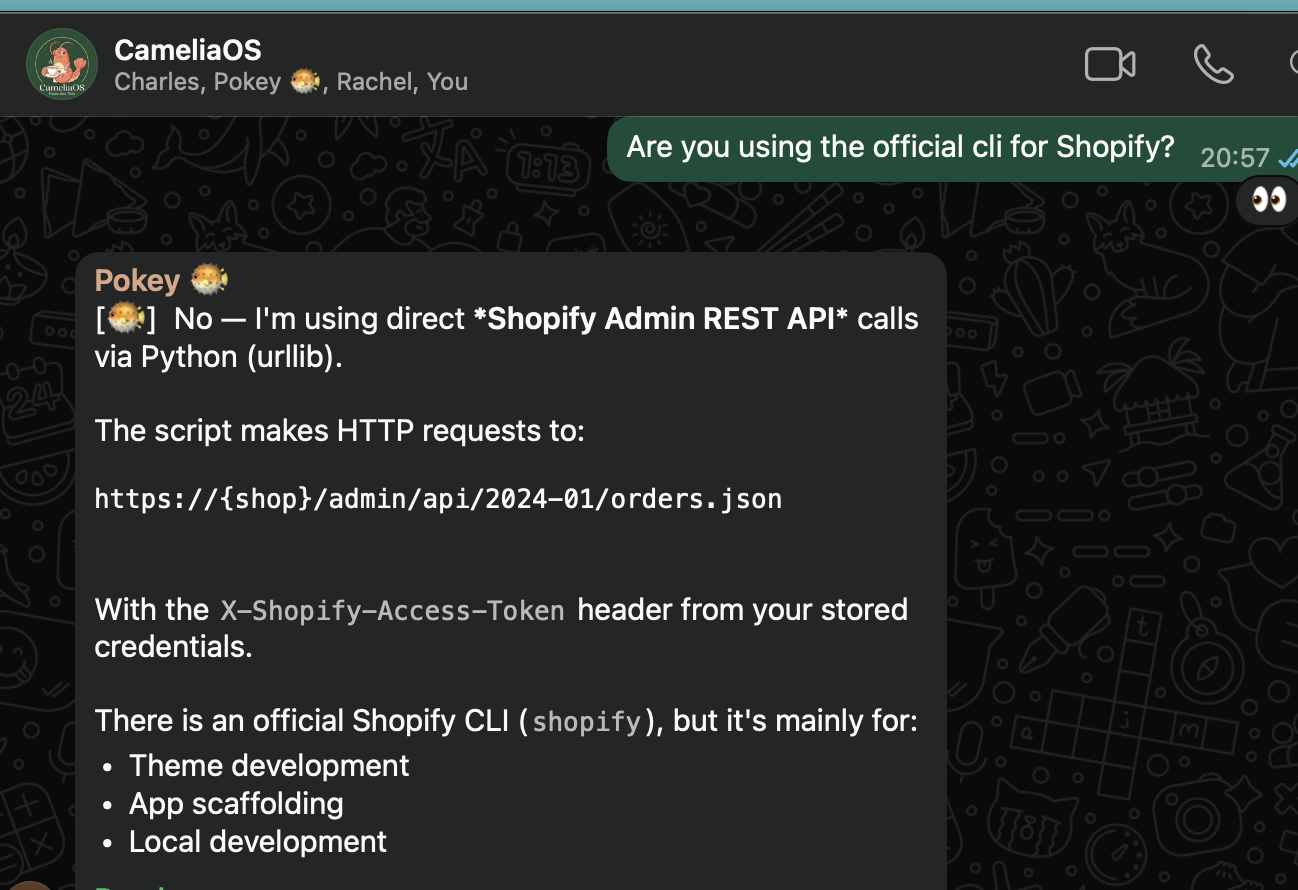
This is a pattern we see with well-trained agents: given a clear goal and enough context, they start optimizing their own workflow. The tool encapsulates the Shopify connection, data classification, and baseline comparison into a single callable function.
The Skill Structure
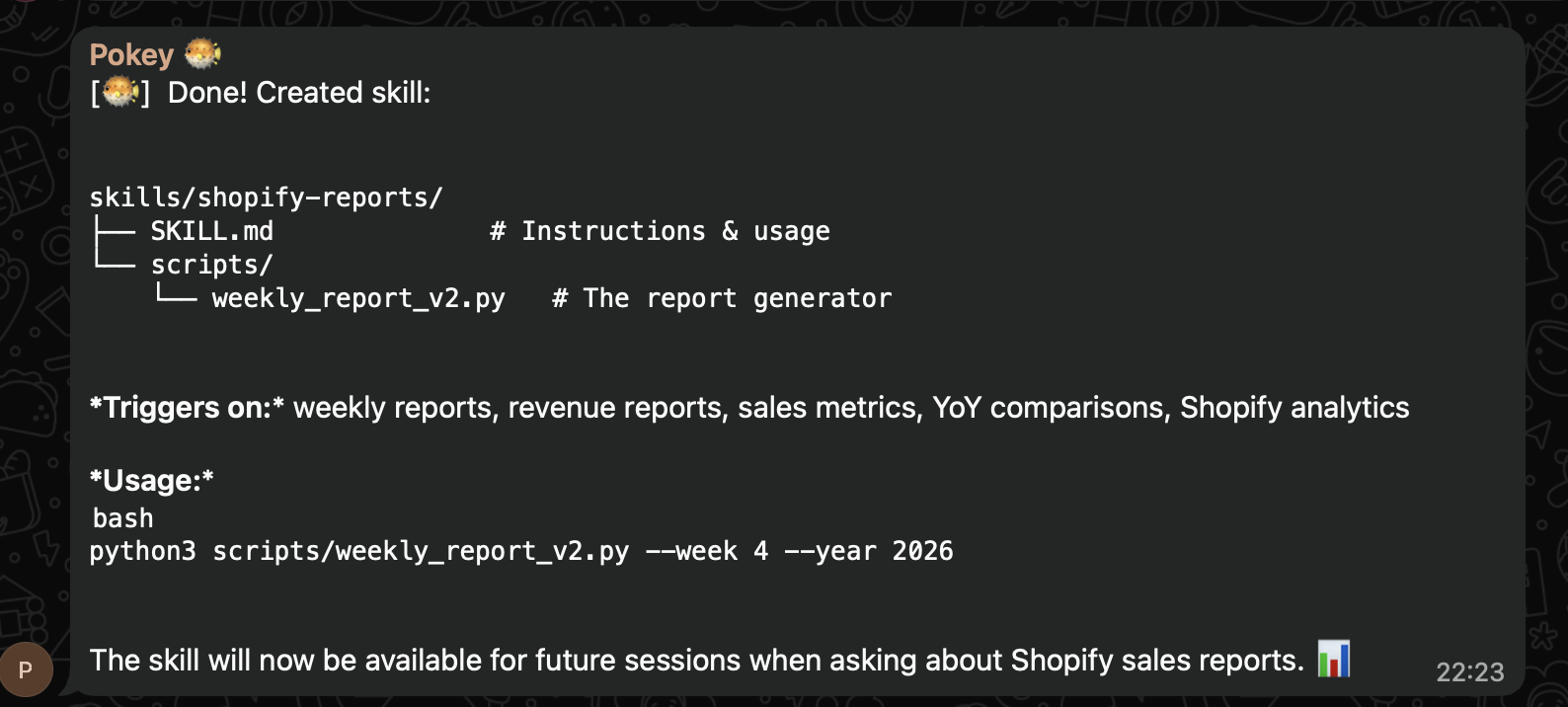
The entire reporting workflow was formalized into a skill — an SOP that the agent can execute independently. The skill includes the data-fetching tool, the formatting rules, the historical baseline, and the delivery instructions.
Delivery via WhatsApp
The last piece: getting the report to where it needs to go. The report generates on the server, Camellia sends the images directly to the management group chat. No more manual export, format, screenshot, send.
Scheduled to run every Sunday morning. Management gets the report before they've finished their coffee.
The Result
What we accomplished
- Taught the agent the exact report format via screenshot and explanation
- Solved a real technical hurdle (Shopify OAuth deprecation)
- Built a historical baseline from years of spreadsheet data
- Automated the full pipeline: data pull, calculation, formatting, delivery
- From 2 hours of manual work to 5 minutes of review
The pattern is the same as our scheduling case study: find a workflow that eats your time, teach the agent how you do it, formalize it into a skill, and iterate until it's right.
The agent didn't just replicate the process — it improved it. It built its own tooling, documented the hard parts, and now runs the entire workflow autonomously every week.
We used the same approach to automate employee scheduling — WhatsApp messages, French voice notes, and a lot of iteration. Read that case study →
Get the free guide that walks through this approach in detail — for you and your AI agent to read together.
Community launching soon.